Creating a cohort
A cohort is a group of replicas that gets interviewed in a Rehearsal. You can start the process of building a cohort simply through the chat when you start a new Rehearsal. A Rehearsal can have multiple cohorts. Describe who you want in plain english, something like “Dog owners in California”. The agent will propose the cohort, then just simply click Create Cohort to begin the building process through our tens of thousands of clones.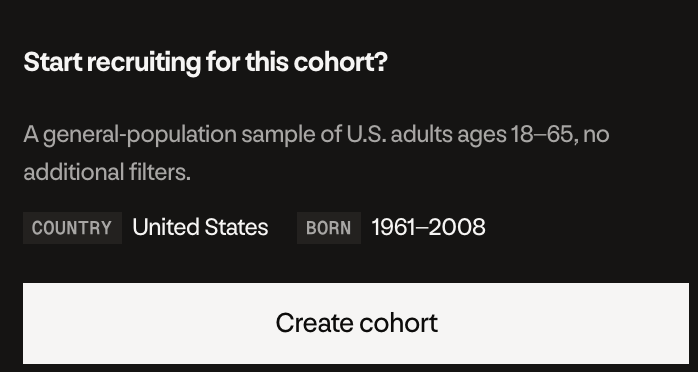
Demographics and filters
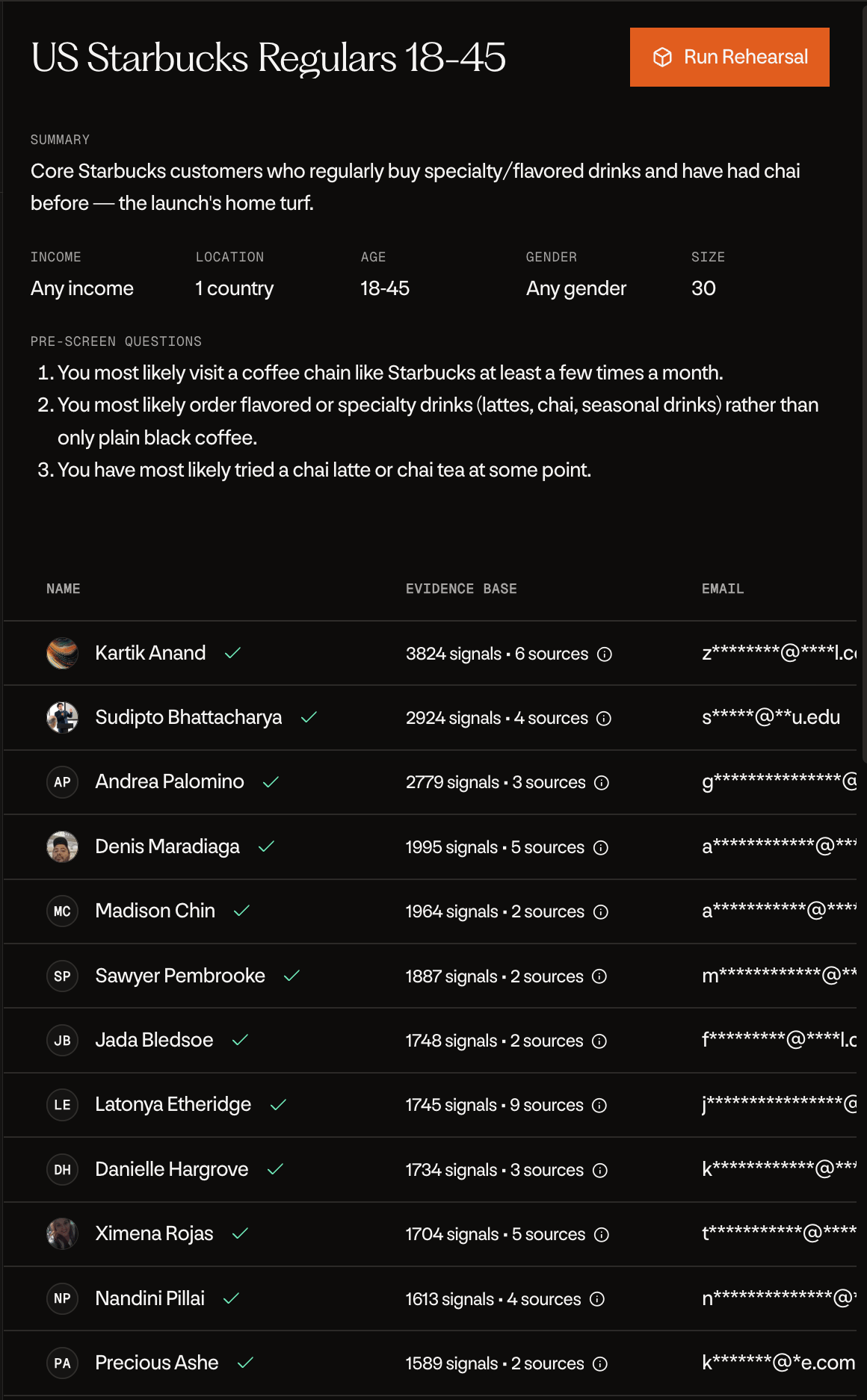
You can target on age, gender, country, state, city, income, education, and race. Just include what matters in your description, like “women 25 to 40 in Texas with household income over $100k”. Every cohort’s page shows the targeting it was built with, so you can always check who a cohort was actually filtered on.Screening questions
Demographics only get you so far, sometimes you need to know something specific. Pre-screen questions handle that. Ask the agent to add them, up to 3 per cohort, written as plain questions like “Do you own a dog?”. Every replica gets screened against your questions automatically. Next to each replica you’ll see Qualified or Rejected. Click it to see the confidence, the reasoning, and a quote from their interviews as evidence. Once the cohort is created, you’ll see it fill in live as replicas are screened and qualify.The replica table
Open any cohort and you’ll see the full list of replicas. Each row shows their name, age, gender, location, education, and whether they’re a public or private replica. Replicas that went through screening have a green check or a red x next to their name. Every row also has an Evidence Base, shown as something like 128 signals • 4 sources. Signals are demographic fields and observed data points across interviews and profiles. Sources combines social profiles and interview evidence. Hover over a row for a quick profile card, and press Open Profile to see everything about that replica.